Community Hub
Join the discussion, share your art, and connect with fellow anime enthusiasts.
Pinned Posts


Posts

Starting from today reanime.cz is our primary domain, this is a precaution to avoid some issues, rest assured we are not taking reanime down. Keep reindex.to bookmarked just in case.
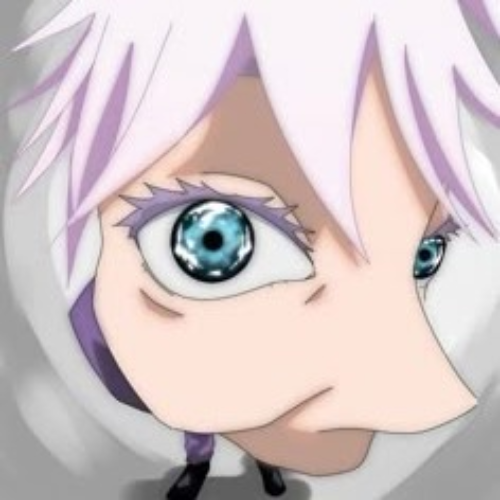
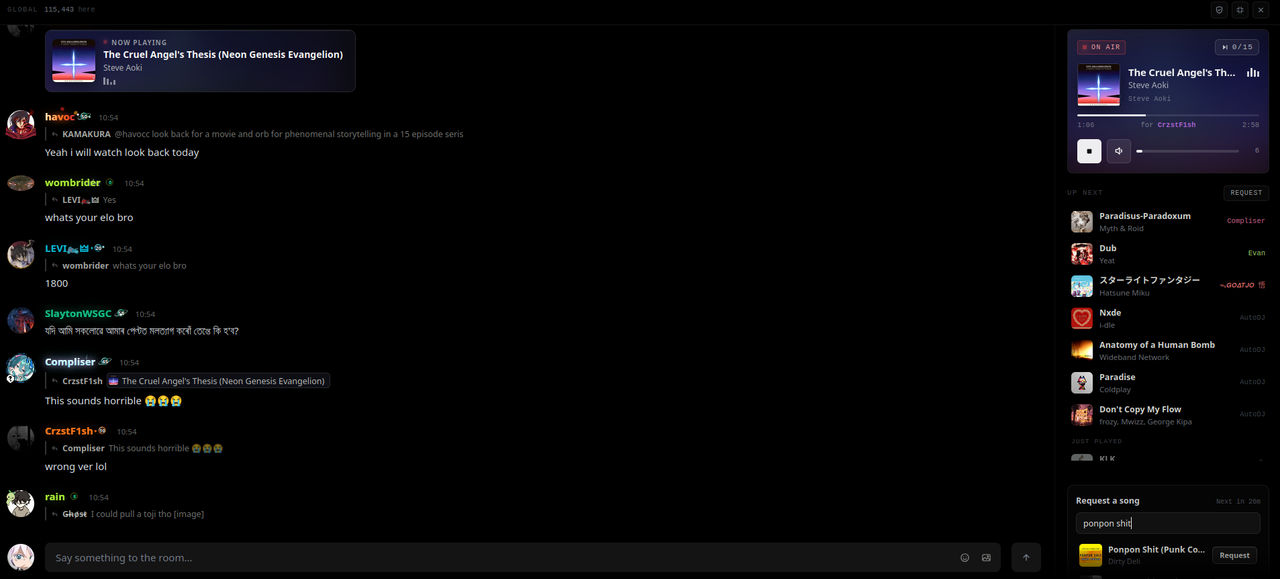
Lately it seems as if a lot of people aren't contributing to the music queue in global chat, so today I'll show you how to add a request just in case you're unsure of how to add one!
(As a disclaimer, we ask that you do not add any songs that contain slurs or NSFW words in the title, and the lyrics shouldn't be littered with profanity, slurs, or sexual content. Doing this will result in your song being removed and a warning at the very least. Repeated offenses are grounds for time-outs or stricter punishments.)
If you're using pc:
First, you'll want to make sure that you have global chat full-screened.
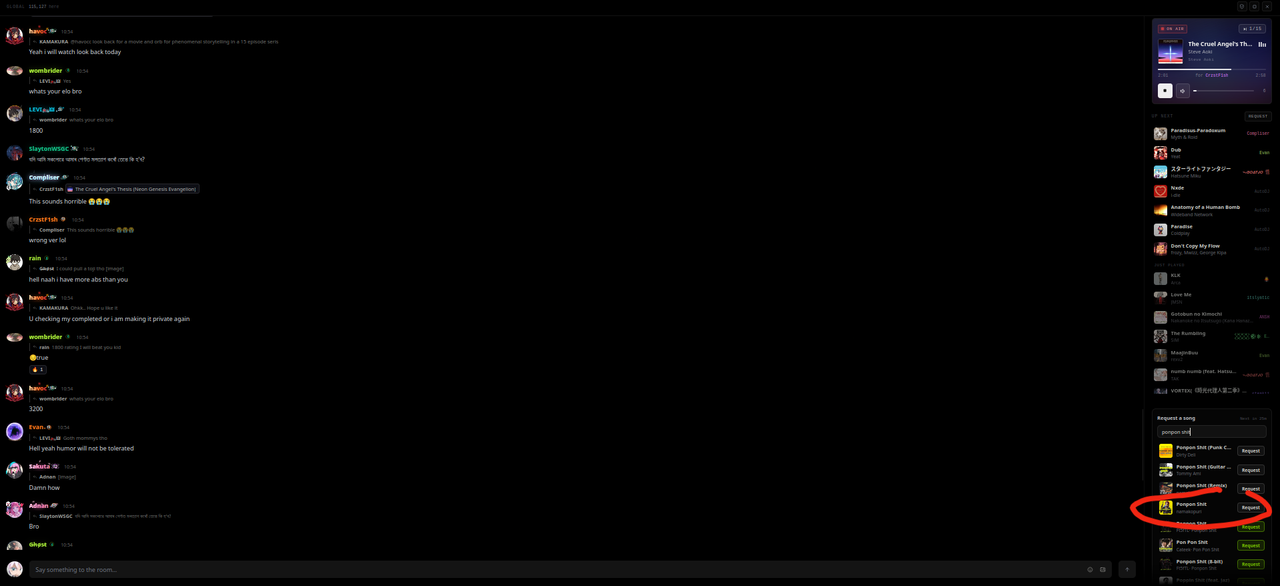
Once you do that, you should see in the bottom right-hand corner where you can "Request a song".
Type the song that you are looking for.
Now, to see more than just one song, you'll have to zoom out the window (ctrl + scroll down).
(make sure that you don't zoom out too far, or else it will start showing less options, for some reaon)
5. Click 'request'. If this button is gray, the song has already been downloaded and will queue normally. If it is green, it will have to download. (As a disclaimer, sometimes the music player can break by doing this. There are times when the download will fail and eat your request, still giving you a 30 min timer before your next request. Other times it will download the wrong song or wrong version of the song. However, just experiment! A lot of songs still work.)
On mobile:
Mobile is a lot more intuitive with the music player.
- You can full-screen global chat for an easier time, but this isn't necessary.
- Click the 💢 button next to the play button, and the music player should pop up.
- Scroll to the very bottom, and you should see the "Request a song".
- Type out the song that you're looking for.
- Close out of your keyboard and scroll down to see a preview of up to 10 or so songs (if they exist)!
Additional:
- The music player is through Tidal. I've found it more helpful to go to Tidal's actual website, because there, you can preview many more options (30 second previews).
- If the song has played too recently, it will not let you queue it until more songs have played.
- You can queue a song once every 30 minutes.
- I believe there are a total of 22 songs that can be queued at one time. When this is the case, it will say "Queue is full" and will not let you request a song yet. If you get this message, wait until the last 10-15 seconds before the end of the song currently playing, then request again—it should go through then, as long as someone else's request doesn't go through first.
. ݁₊ ⊹ . ݁ ⟡ ݁ . ⊹ ₊ ݁.. ݁₊ ⊹ . ݁ ⟡ ݁ . ⊹ ₊ ݁.. ݁₊ ⊹ . ݁ ⟡ ݁ . ⊹ ₊ ݁.. ݁₊ ⊹ . ݁ ⟡ ݁ . ⊹ ₊ ݁.
Hope you guys find this helpful! If you have a question about something I didn't address here, feel free to leave a comment!

Do you guys watch filler lmk its lowk underrated if you think about it, currently im re-watching black clover and even though the filler isn't even bad it's actually good for one of the filler arcs but that's prolly bc i like the show. 😭 I might of jst said the obvious but i jst want opinions to help mine.
I need more coins and im so close to getting the thing i want please help me make my account more pleasing to look at lol

-Mine is AOT is mid (i personally just dont care for it, it is mid to ME)

I lowkey never actually cared about wallpaper, just that it has to be not so bright...
But since the day i saw this one i am liking wallpaper more
Rate this one, and what's your wallpaper???
No more negative selenite for dislikes so enjoy ig? & all native ones happened during past 3 days has been refunded & if it did it might reduced by anti spam system so no refunding that
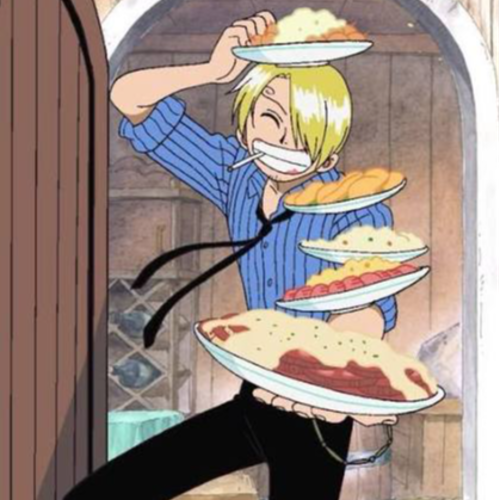
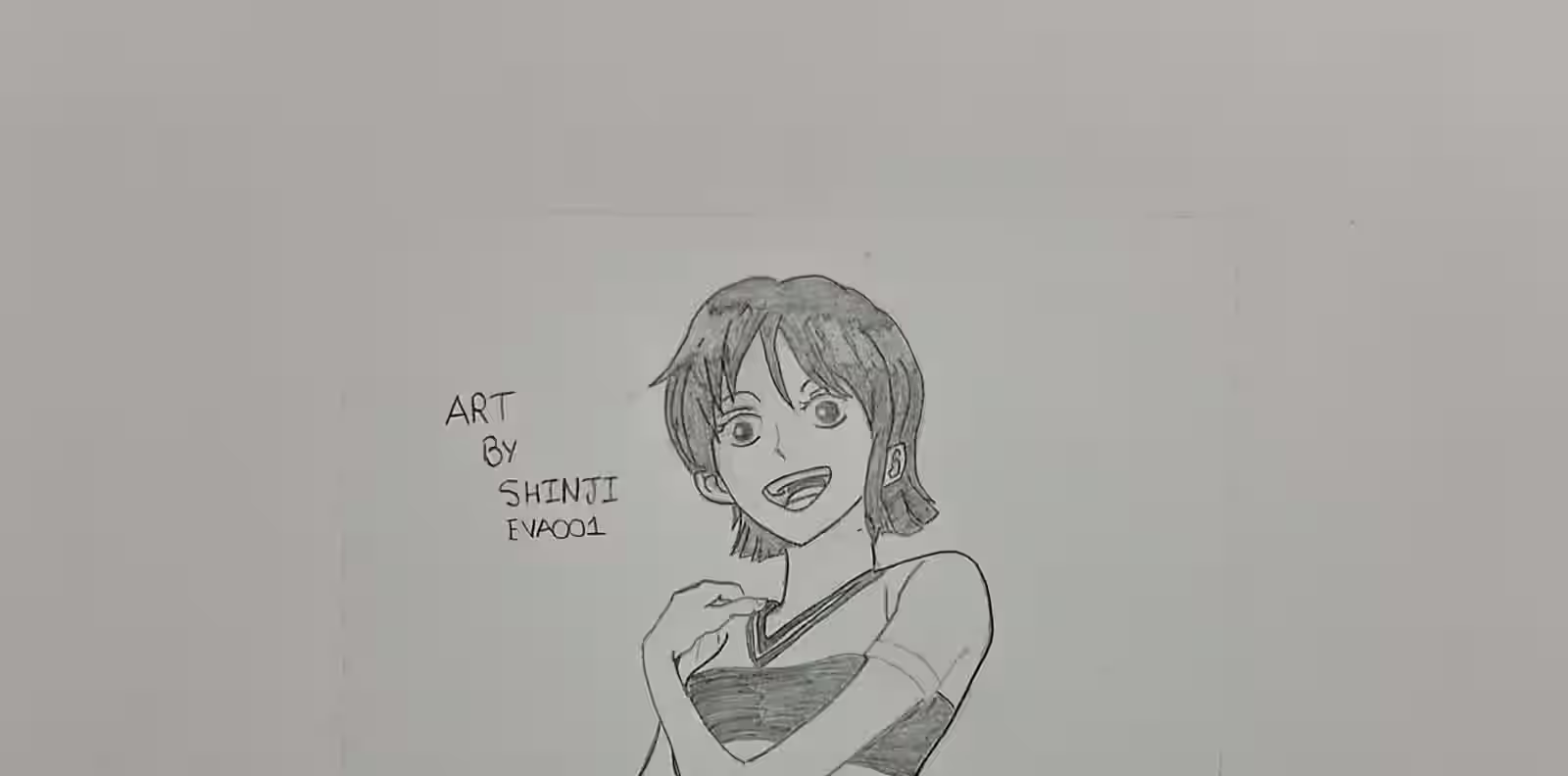

TITLE SAYS IT ALL..
MAYBE... I WILL BE BACK BEFORE CHRISTMAS OR BEFORE SOME EVENT!!!
u/NoReason

Recommended me your best anime, the one that makes you cry
AnimeHub
The best place to discuss your favorite series, share art, and connect with fans.